Controls for Save the Dumpling Squishy
WASD, jump, pick up, then E on a valid pad — that is the whole rescue kit.
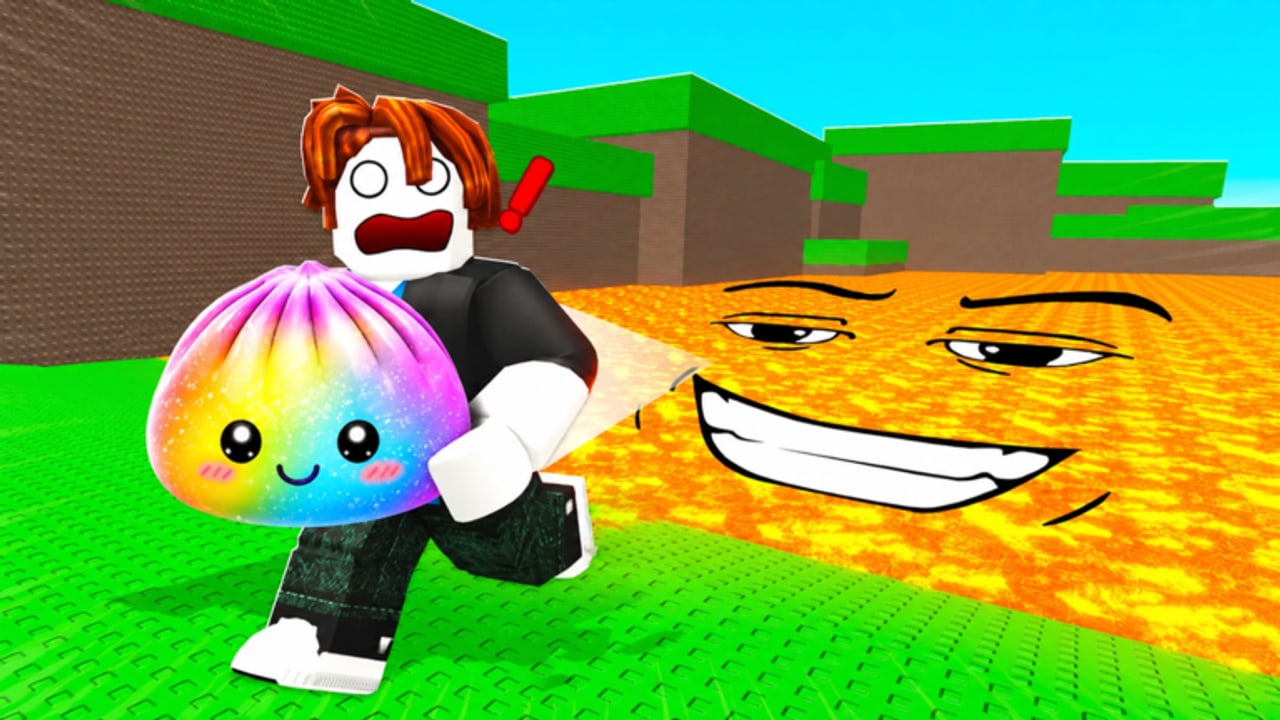
Save the Dumpling Squishy does not ship a long keybind overlay. The loop is still a Roblox character plus one interaction that matters: E SAVE on a legal platform. This page is the controls sheet for PC, mobile, and console-style controllers so you stop dying because the prompt never appeared.
If you have not played a session yet, pair this sheet with getting started. If the button works and you still drop Rainbows, the problem is pads, not binds — jump to how to save.
PC keyboard
| Action | Input | Notes |
|---|---|---|
| Move | W A S D | Strafe around lava lips; do not hold W into the smile |
| Look | Mouse | Third person reads floods better than first person |
| Jump | Space | Clears small gaps; does not make lava safe |
| Sprint | Shift if enabled | Optional. Panic sprinting into orange still kills |
| Pick up dumpling | Walk into / click the bun | Commons and Rainbows use the same grab |
| Save dumpling | E on a valid pad | Prompt must read SAVE. Green grass lips do not count |
| Like for luck | Experience like button | Not a keybind. Do it before the first crate |
Shift lock (left Shift or the lock icon) lets you run toward a pad while watching lava behind you. Turn it on if you keep overshooting stairs.
Mobile and tablet
Roblox draws a left thumbstick, a jump button, and a context button when you are close enough to interact.
- Thumbstick: movement. Keep the stick short during floods so you do not slide off a pad.
- Jump: same as Space. Use it to hop onto a taller brick, not to skip lava.
- Context / SAVE: this is E. The label appears when you stand fully on a save tile while holding a dumpling. If you only see Jump, you are not on a pad.
- Camera: swipe the right side. Pinch once so you can see both the bun in your hands and the orange floor.
Fat-finger deaths are real. Park your right thumb over SAVE before you step onto the brick so you are not hunting the button while lava climbs.
The short below is a real Save the Dumpling Squishy rescue clip. Watch the grab, the dash, and whether the saver actually waits for a pad — then copy the prompt, not the panic.
Controller and console
Roblox on a gamepad maps move to the left stick and camera to the right stick. Interact is usually R2 / RT, not X / A. If you mash jump on a dumpling and nothing seats, you are pressing the wrong face button. Open Roblox settings → Controls if your layout was remapped.
Touchpad or select still opens some menus. Do not open the Roblox menu mid-flood.
The only bind that is unique to this game
Everything else is default Roblox. The dumpling loop adds one rule: E (or the on-screen SAVE) only fires on a valid platform. The official thumbnail shows a Rainbow Dumpling on a tiny stone stair with E SAVE! in the HUD. That is not flavor text. If you press E on the lava lip, in a doorway, or while jumping, the bun stays in your hands and you will die with it.
Valid pads are raised stone, plot stairs, and clearly built tycoon bricks. Invalid surfaces include orange floor, the grinning lava face, thin green edges, and other players’ avatars. Details and placement live on how to save dumplings and the map and platforms guide.
Camera habits that save lives
- Pull the camera up before a flood so you can see the whole orange field.
- First person is how the $798B/s art is framed; it is worse for reading lava. Switch to third unless you are lining up a tiny stair.
- Do not emote. Emotes steal the E bind and look funny in a clip while a Rainbow cooks.
Settings worth touching once
Graphics can drop during a six-player flood. If the smile pops in late, lower graphics so lava is readable. Turn off extra UI if it covers the SAVE billboard. Volume is optional; the flood is visual.
Like the experience for the Luck Boost from the Roblox page or the in-experience like — there is no keyboard shortcut that fakes it.
Common input failures
E does nothing. You are not on a pad, you are not holding a dumpling, or a menu has focus. Close chat. Step onto the brick. Press E once, not twenty times.
Mobile SAVE never shows. You are standing on the green lip or in lava. Move to the center of the stone.
I keep jumping instead of saving. Controller users: interact is the trigger, not the face button. Mobile users: your thumb is hitting Jump because SAVE has not spawned yet.
I cannot pick up the Rainbow. Another of the six players already grabbed it. Pathing beats binds. See players.
Practice drill (two minutes)
- Spawn. Like the game.
- Grab a common. Do not hunt Rainbows yet.
- Stand on the nearest tall brick. Confirm SAVE. Press E.
- Walk to a bad lip. Confirm SAVE is gone. That is the lesson.
- When lava hits, jump is allowed only to reach height. Then freeze and wait.
After the drill, run the lava checklist and the beginner mistakes list so binds are not the only thing you remember.
Controls will not change your luck table. They will stop you from carrying S-tier into the smile because you tapped the wrong key. That is enough.
Frequently Asked Questions
Quick answers for lava runs, lucky blocks, and dumpling saves.
What button saves a dumpling in Save the Dumpling Squishy?
E on a valid platform on PC, or the on-screen SAVE button on mobile. Jump does not save.
Why does E do nothing?
You are not holding a dumpling, not standing fully on a pad, or a menu has keyboard focus. See how to save.
Does a controller use X to save?
Usually no. Roblox interact is often R2 / RT. If X only jumps, remap or use the trigger.
Is there a sprint key that beats lava?
No. Sprint into orange still kills. Use survive lava instead of holding Shift.